Anyone who has ever purchased a vis license and later set up the voice assistant knows the question: Was that on iobroker.net or iobroker.pro ? Two servers, two logins, two interfaces that had little to do with each other. Anyone wanting to check what they actually owned had to log in twice and figure out where to look first.
That's over now. There's a profile now, and everything is explained there.
What's inside
The menu on the left is the same on both servers and lists the two license types directly below each other:
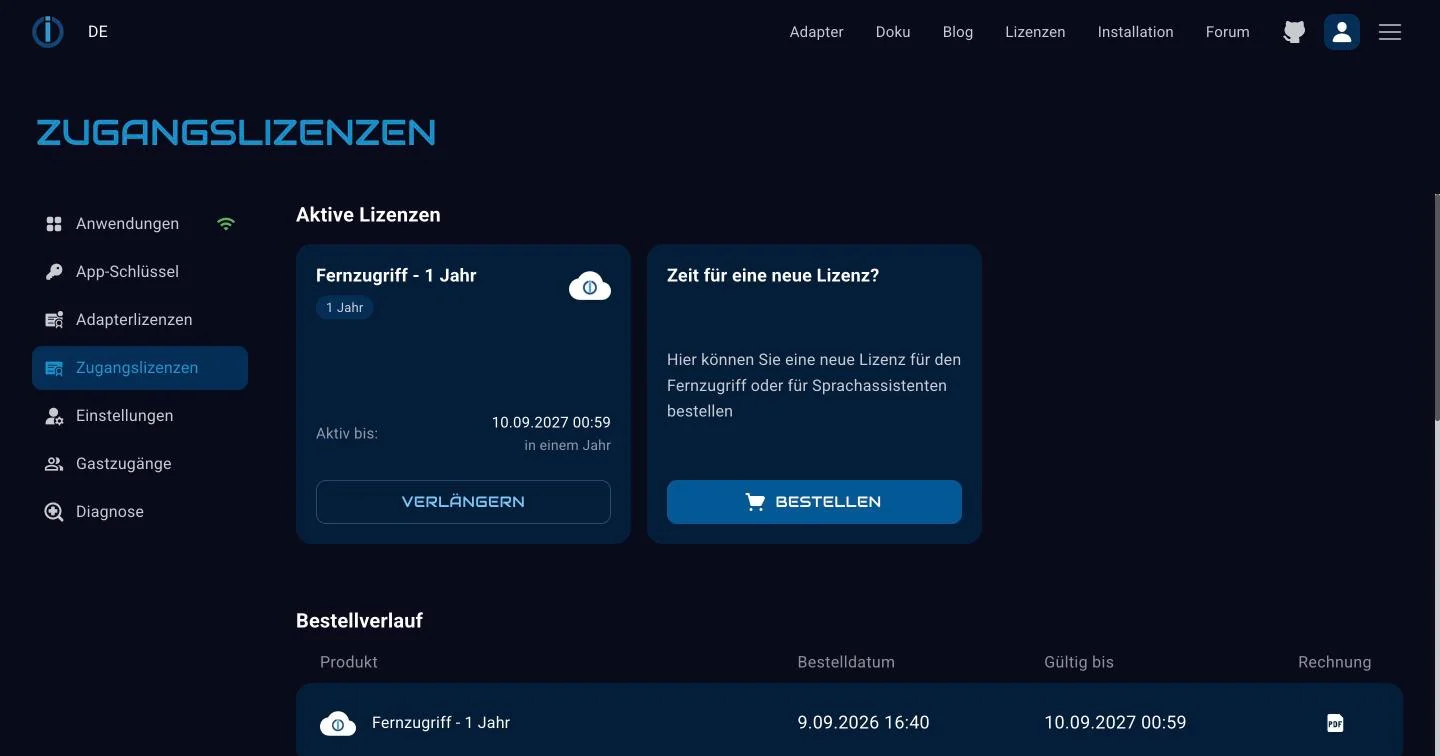
- Selecting "Applications" leads to your own installation. The icon next to it tells you whether a connection to it currently exists.
- The app key is the key that the app and external services use to log in.
- Adapter licenses are those for vis-2, KNX, and the JägerDesign widgets. They are linked to the serial number of your installation.
- Access licenses are those for remote access and voice assistants. They are linked to the account.
- Settings refers to the account settings, including the option to delete the profile.
- Guest access grants another person access to individual instances, optionally for a limited time. This is useful if someone needs help with setup and you don't want to give them your password.
- Diagnostics show consumption, runtime, and other information related to your access.
Previously, half of the list was on one server and the other half on another. Now you see the same list regardless of where you log in.
How to get there
In the top right corner of the page is a person icon; below it is the word "Profile" . This will take you to your logged-in page.
And if you access one of the old addresses, i.e., iobroker.net or iobroker.pro , you will also land directly in the new profile. Old bookmarks will therefore continue to work; they just look different than before.
What you need to do
Nothing. Your licenses, subscriptions, and settings are still where they were; they're just displayed in one place. If you have an account on both servers and use different passwords for each, that will remain the case.
And if you don't yet know what you need
Most users don't need a license at all: running ioBroker at home, connecting devices, writing scripts, and managing everything on your own network is free. You can find an overview of licenses and pricing on the product page .
If you notice anything missing or strange in the new profile, please post it in the forum .